Drag, drop, done
Throw in files or whole folders. Drop them right where you want them, even between two tiles.
 Smoosh
For Windows
Drag pictures in, squish them edge to edge, save one big image. No fiddly pixel maths, no gaps, no overlaps. Just smoosh.
30 days free, everything unlocked. Windows 10 and 11.
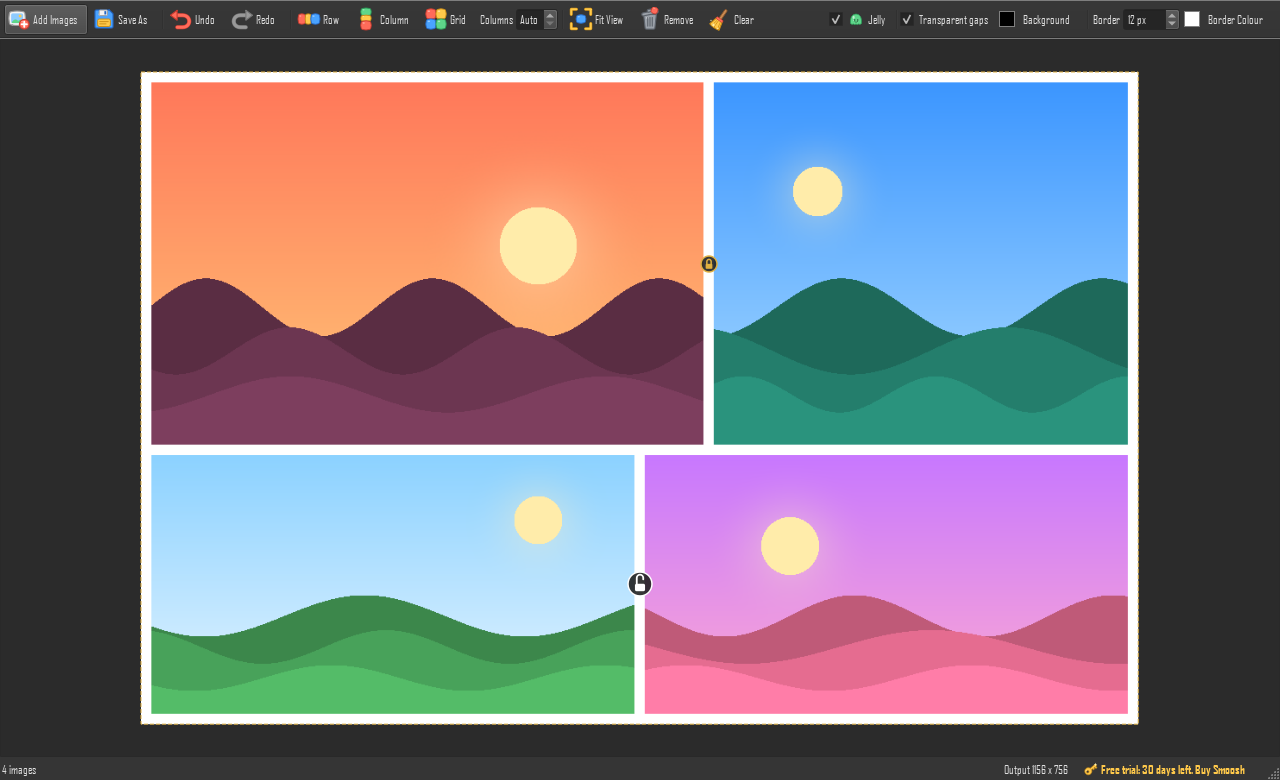
Throw in files or whole folders. Drop them right where you want them, even between two tiles.
Tiles click together with no gaps and never overlap, so what you see is exactly what you save.
Drag a tile between two others and a blue line shows where it lands. The rest slide along to make room.
Hover where two tiles meet and click the padlock. Locked pairs stick together through every shuffle.
Add an even border in any colour, or keep the gaps transparent. The canvas previews it live.
Tiles wobble like jelly as they smoosh into place, and the whole group jiggles as one. It's silly. We love it.
Reads EXR, PNG, TIFF, JPG, WebP, PSD and more. Saves 16-bit and float EXR, TIFF and PNG with correct linear and sRGB colour.
Ctrl+Z your way back through every move, insert, lock and border change. Ctrl+Y to redo.
Drag your images onto the window.
Drag them around. They snap together. Hit Row, Column or Grid if you're in a hurry.
One click to PNG, JPG, EXR, TIFF, WebP or BMP, at full resolution.
G PayApple PayCardPayPal
Secure checkout by Lemon Squeezy, who handle payment and sales tax.
Not sure yet? Try it free for 30 days, everything unlocked.
Download Smoosh and use it, all of it, for 30 days. No sign-up, no card. The days left show in the bottom right corner of the app.
You can still open Smoosh and arrange tiles, but saving needs a license. Buy one and everything is unlocked again instantly.
Your license key is emailed to you as soon as you pay. In Smoosh, click the gold key in the bottom right, paste the key and press Activate. That's it.
Yes, on up to 3 of your own PCs. Changing computers? Click the key in Smoosh and choose "Remove from this PC" to free up a spot.
Yes. Smoosh is new, so Windows SmartScreen doesn't know it yet. Click "More info", then "Run anyway". Smoosh doesn't need installing; it's a single file you can run from anywhere.
Not yet. Smoosh is Windows only for now.
Never. Everything happens on your PC. The only time Smoosh goes online is to check your license key with Lemon Squeezy when you activate it, and every couple of weeks after.
If Smoosh isn't for you, email us within 14 days of buying and we'll refund you. No hard feelings.